
Works offline
Download once. Transcribe anywhere, even offline.
 SayType
 Download for Mac
Voice to text, right where you work.
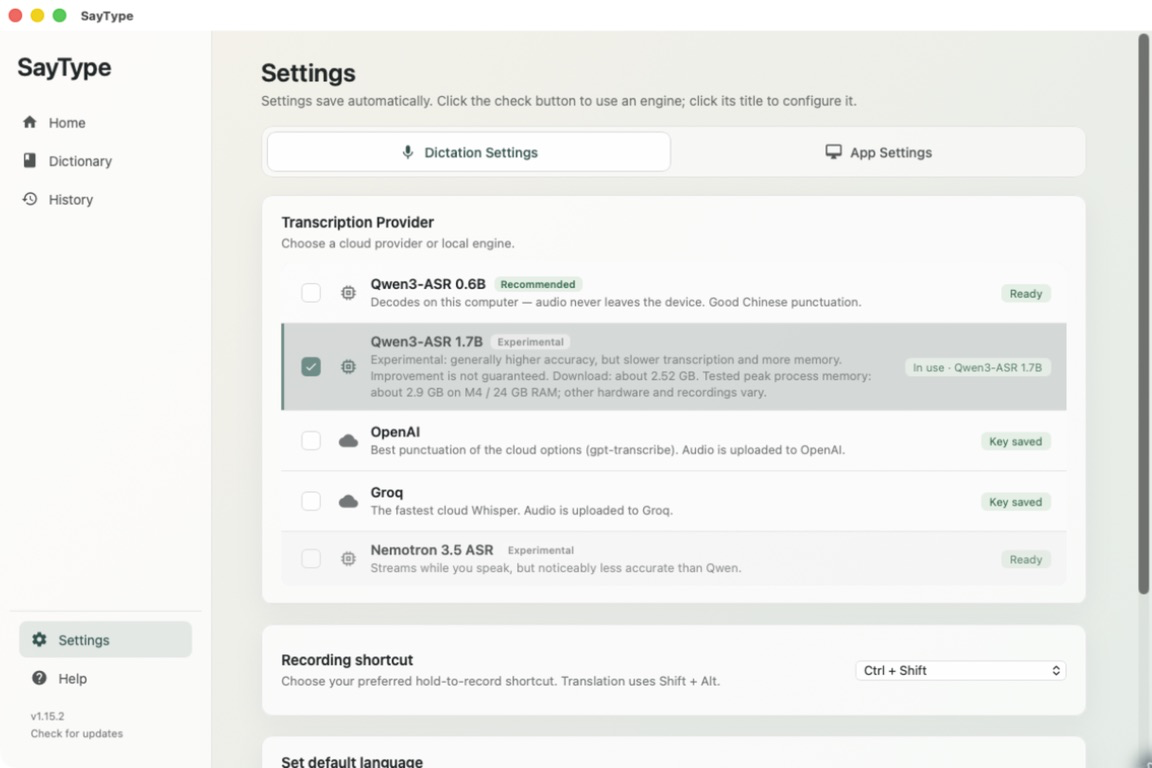
Download a model. Transcribe offline.
Optional cloud transcription · Bring your own API key.
In local mode · on-device transcription
In local mode, audio is processed on your device and transcripts are saved there. Neither is uploaded for transcription. Your everyday thoughts stay yours.
Download once. Transcribe anywhere, even offline.
No signup or API key in local mode. Cloud is optional with your own API key.
No monthly bill or transcription quota with a local model.
One physical gesture carries a thought all the way back to your cursor.
Press Ctrl+Shift in the app where you want to write.
SayType listens while a compact prompt keeps you oriented.
Your transcript returns to the text field that already has focus.
On-device transcription Optional cloud translation Local History & retry
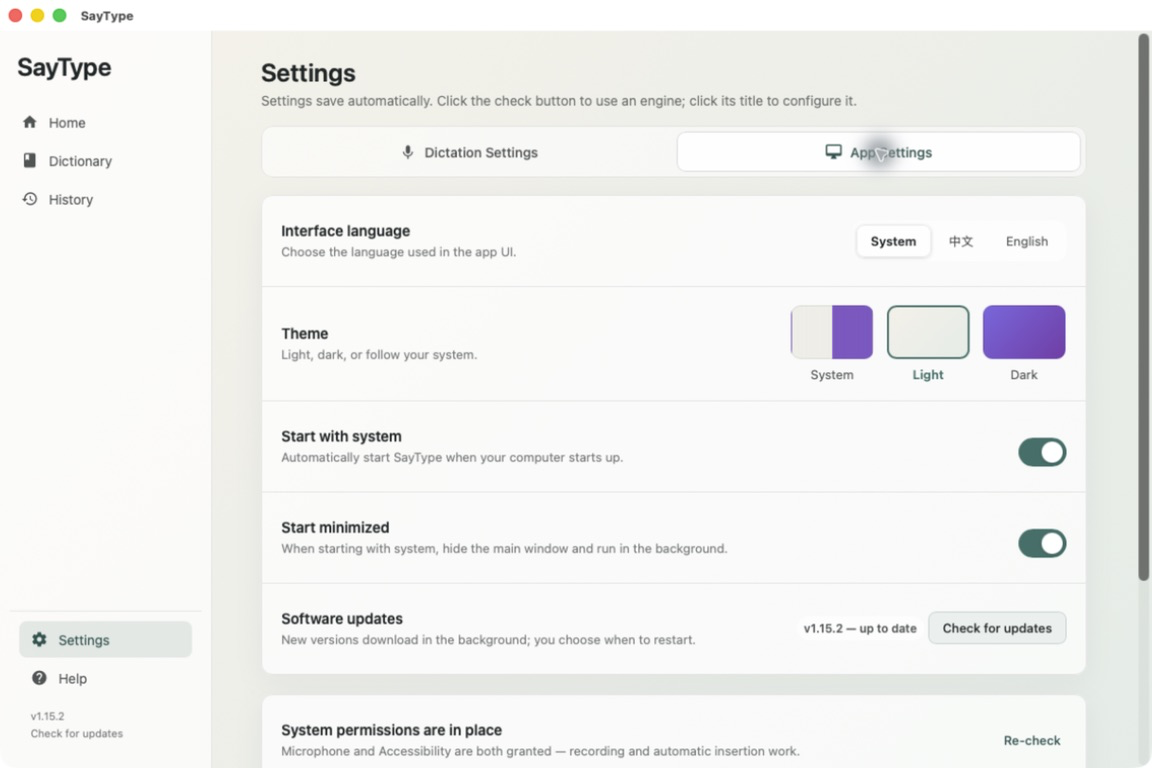
In local mode, SayType turns speech into text on your computer and inserts it at your cursor. Choose your engine once, then keep working where you are.
Hold Ctrl+Shift to record, release to stop, and keep your hands near the keyboard.
Transcribed text is sent back to the app and text field that already has your cursor.
Copy saved transcripts from History. If transcription fails and audio was saved, retry it with your current engine.
Change your input device in your operating system’s sound settings. Updates download in the background. Restart when you’re ready.
Made for desktop
One local-first idea. Support varies by platform.
Offline dictation. No account. No subscription.
Qwen3-ASR 0.6B is the recommended local model, with a ~1 GB one-time download. Qwen3-ASR 1.7B and Nemotron live transcription are experimental options. The larger Qwen model needs a ~2.52 GB download; performance varies with your hardware.
Download for Mac